



VIN Lookup for Used Car Buyers: Decode Details Before You Buy
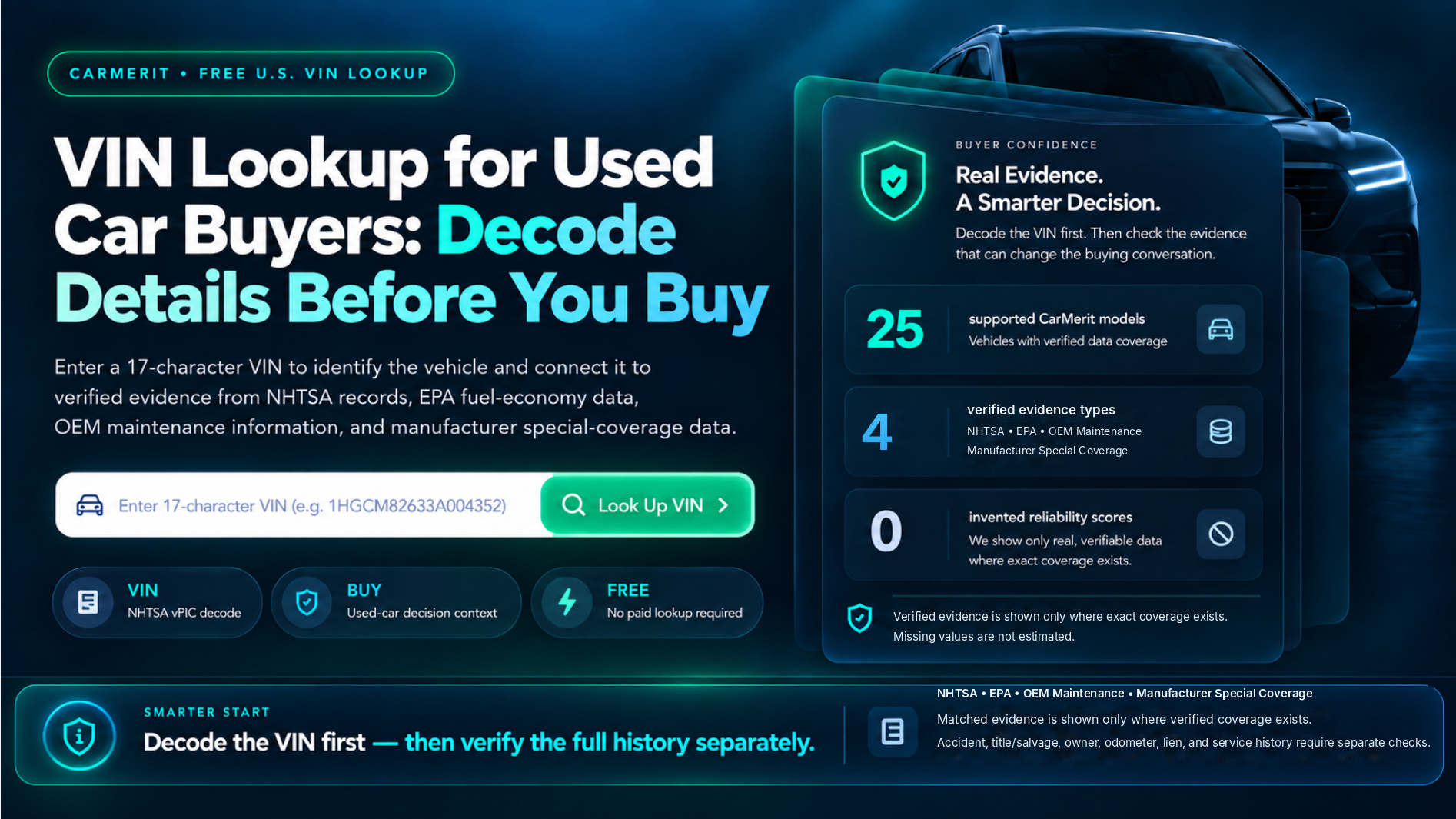
CarMerit • Free U.S. VIN Lookup
VIN Lookup for Used Car Buyers: Decode Details Before You Buy
Enter a 17-character VIN to identify the vehicle and connect it to verified evidence from NHTSA records, EPA fuel-economy data, OEM maintenance information, and manufacturer special-coverage data.
A Smarter Decision. Decode the VIN first. Then check the evidence that can change the buying conversation.
NHTSA • EPA • OEM Maintenance • Manufacturer Special Coverage
Matched evidence is shown only where verified coverage exists. Accident, title/salvage, owner, odometer, lien, and complete service history require separate checks.
What the VIN lookup can — and cannot —
tell you before you buy
Use the decoded result as a verification layer, then finish the checks that a VIN lookup cannot replace.
What This VIN Lookup Tells You
The lookup first decodes the VIN using NHTSA vPIC manufacturer-submitted data. For supported CarMerit models and years, it can then add model-year NHTSA evidence, plausible EPA fuel-economy matches, exact-year OEM maintenance records, manufacturer special-coverage screening, and CarMerit model-year buyer guidance where a matching published guide exists.
How to Use the VIN Lookup
Where to Find the VIN Before You Search
Use the exact 17-character VIN shown on the vehicle and compare it with the VIN on the paperwork available to you. If the numbers do not match, pause and verify the vehicle before relying on the lookup result.
Enter the VIN Exactly and Check Invalid Entries
Type all 17 characters without substituting similar-looking letters or numbers. VINs do not use I, O, or Q. If the VIN is rejected, recheck the characters before assuming the vehicle is unsupported.
What a VIN Can Verify About the Vehicle
A VIN can identify manufacturer-reported vehicle information such as model year, make, model, body type, engine, fuel type, drivetrain, transmission, and assembly details when those fields are encoded and returned by NHTSA. CarMerit only adds a second evidence layer when the decoded vehicle matches a supported model year in the verified CarMerit evidence set.
What This VIN Lookup Cannot Prove
This tool cannot prove accident history, title or salvage history, previous owners, odometer history, liens, or a complete service history. It also does not treat a clean VIN decode as proof that the car is mechanically sound. Those are separate verification jobs.
How to Use the Result Before Buying a Used Car
- Confirm the decoded year, make, model, and configuration match the vehicle being sold.
- If anything conflicts with the seller's listing or paperwork, pause and verify the mismatch.
- Check the exact VIN for open recalls through NHTSA rather than relying only on model-year recall counts.
- Treat complaint, investigation, and manufacturer-communication counts as context, not as a reliability score.
- If a manufacturer special-coverage program appears, confirm this VIN's eligibility with the manufacturer or dealer.
- Complete separate vehicle-history and mechanical-condition checks before purchase.
Common questions before you search
Get quick answers about how CarMerit’s VIN lookup works, what it includes, and what to expect.
Is there a free VIN lookup?
Yes. CarMerit's VIN lookup is free to use. It decodes the VIN and shows the CarMerit evidence layers available for supported vehicles. It does not include a paid full vehicle-history report.
What information can a VIN lookup show?
The NHTSA decode can return manufacturer-reported identity and specification fields. When CarMerit has verified coverage for the decoded model/year, the result can also include model-year NHTSA records, EPA fuel-economy matches, OEM maintenance information, special-coverage screening, and published CarMerit model-year guidance.
Can I look up vehicle specs by VIN number?
Yes, when the specification is encoded in the VIN and returned by NHTSA. Some VINs do not return every field, so missing data is shown as unavailable rather than estimated.
Can I look up who owns a vehicle by VIN number?
No. This CarMerit tool does not provide owner identity or ownership-history information.
Is a VIN lookup the same as a vehicle history report?
No. A VIN lookup identifies the vehicle and can connect it to supported evidence. A full vehicle-history report is a different product and may include accident, title, ownership, odometer, or other history data from licensed sources.
What if the VIN result does not match the seller's listing?
Pause the purchase process and verify the VIN, paperwork, and physical vehicle before proceeding. A mismatch should be resolved rather than explained away by one data source.
Continue the buying process with CarMerit’s other tools
Use the VIN lookup first, then move into model-year comparison, reliability screening, and manufacturer coverage checks.
Used Car Model Year Comparison
Compare two model years and spot evidence changes before you choose between them.
Open comparison tool → CHECK RELIABILITYUsed Car Reliability Checker
Review the decision-first reliability context for supported used cars without fake scores.
Open reliability tool → VERIFY COVERAGEManufacturer Special Coverage Lookup
Screen model years for potential warranty extensions and special coverage programs.
Open coverage tool →